Why Basic Product Suggestions Kill Shopify Sales
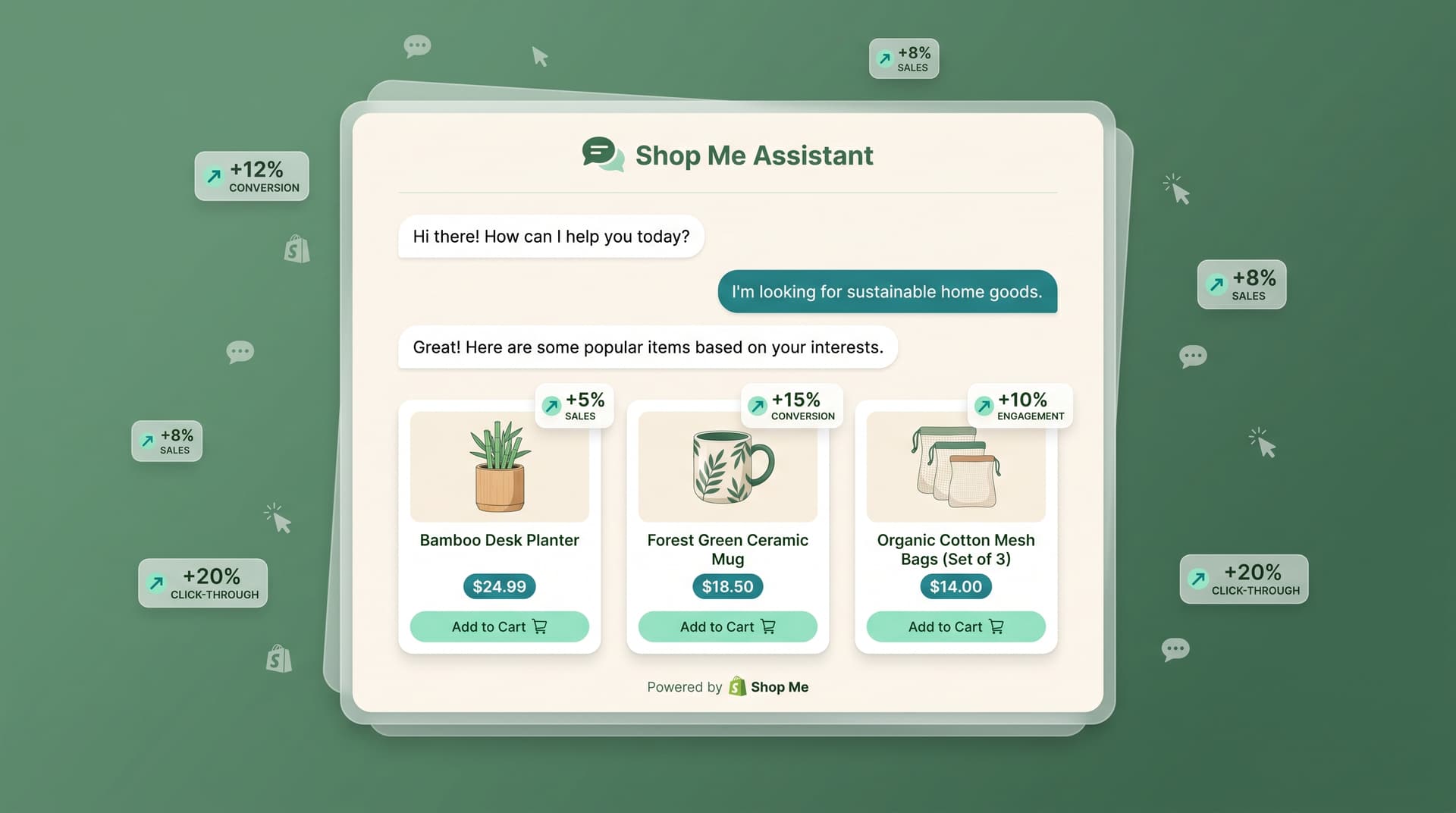
According to Baymard Institute, 70% of carts are abandoned because shoppers cannot find the right items fast enough. AI product recommendations fix this by showing the exact products people are most likely to buy based on real behavior.
What are Shopify AI product recommendations? They are dynamic suggestions powered by customer data that appear on product pages, homepages, and in search results. Instead of showing the same bestsellers to everyone, the system learns from browsing history, past purchases, and even cart contents to surface relevant options in real time.
How the technology actually works
Shopify stores connect their product catalog and customer data to an AI layer. The system tracks signals like time spent on certain items, which colors get added to cart, and what people buy together. It then ranks and displays suggestions that match those patterns. According to Littledata Shopify benchmarks, stores using smarter personalization see add-to-cart rates climb well above the 4.6% average.
Here is the simple flow:
- A shopper views three denim jackets in one session
- The AI notes the price range and style preference
- On the next page it shows matching jeans or similar jackets from the same brand
- The suggestion appears naturally inside the product grid or a chat window
Why these suggestions convert better
Generic recommendations feel like noise. Personalized ones feel helpful. When a customer sees items that match their taste, trust increases and hesitation drops. Stores that replace static "You may also like" blocks with AI-driven ones often cut through decision fatigue. According to Shopify reports on customer behavior, relevant suggestions reduce the chance someone leaves without buying.
Sound familiar? Most Shopify themes still rely on basic algorithms that only look at popularity. That approach worked five years ago. Today it creates the exact problem it tries to solve: too many choices that do not match the buyer.
Practical ways to add AI recommendations
- Install a Shopping Pal that reads the catalog live and answers questions with product links.
- Replace your current upsell widgets with blocks that update based on the current cart.
- Let the system test different placements (sidebar, footer, post-purchase) and keep the winners.
- Combine recommendations with abandoned-cart recovery so the next email shows the right follow-up item.
Common mistakes to avoid
Do not show the same five products to every visitor. Do not ignore mobile viewports where most traffic now arrives. And never let the suggestions feel random. Test one change at a time and watch the add-to-cart rate move.
The stores winning right now treat recommendations as part of the entire shopping experience, not a single app. When the suggestions stay helpful from first click to checkout, conversion climbs without extra ad spend.
Frequently Asked Questions
How fast can AI recommendations start working on my store? Most Shopify stores see initial suggestions within 24 hours after connecting their catalog and turning on the feature.
Do I need technical skills to set this up? No. Modern AI tools for Shopify install like any other app and pull data automatically.
Will these recommendations hurt site speed? Lightweight versions load suggestions after the main page content, so they do not slow down Core Web Vitals.
Can I control which products get shown? Yes. You can set rules for bestsellers, new arrivals, or margin items while the AI handles the rest.
What happens if a recommended product is out of stock? Good systems automatically hide unavailable items and swap in the next best match.
Want AI like this for your store?
The first 25 brands get free beta access + an exclusive lifetime deal.
Start Free Trial