Still Losing Visitors in Seconds? Fix Shopify Bounce Rate With AI
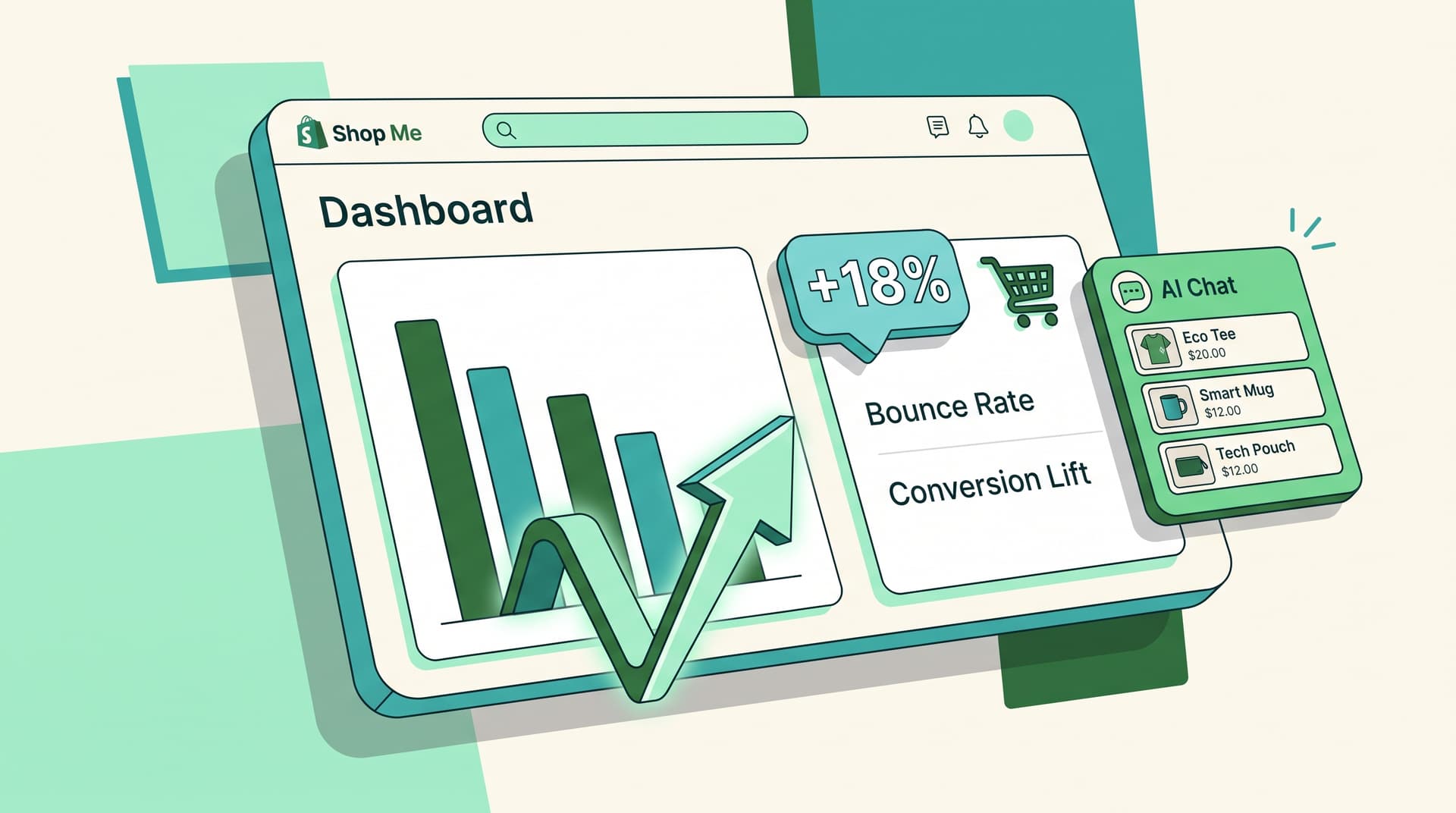
Your store's biggest leak might not be traffic. According to Google Analytics benchmarks via Databox, mobile bounce rates in fashion hover around 48.5% while desktop sits at 39.2%. Most Shopify owners watch visitors land and immediately bounce because they never get a quick answer.
Shopify AI chatbots cut bounce rates by answering questions before shoppers leave. They keep people on the page and move them toward adding to cart.
What Makes Bounce Rate Spike on Shopify Stores
People arrive on your product page or homepage looking for something specific. When that answer is buried or missing, they exit fast. Common reasons:
- Product questions go unanswered
- Shipping or return info is hard to find
- Sizing doubts or comparison needs are ignored
- No prompt help appears in the first few seconds
Sound familiar? These moments create instant exits.
How Instant AI Replies Lower Bounce Rate
a Shopping Pal responds in real time to the exact question on the visitor's mind. Instead of reading paragraphs or scrolling, shoppers type a quick question and get a direct reply while still on the same page.
This turns uncertain browsers into engaged visitors. According to ABConvert tests across Shopify stores, chat-to-conversion rates average 10% to 20% compared with 2% to 3% for static forms.
Simple Ways to Add Automated Replies Without Extra Work
- Place the chat window on product and collection pages right away
- Train it on your shipping, sizing, and policy details once
- Let it recommend products based on the question asked
- Track which questions appear most often in your dashboard
According to Shopify commerce data, AI-referred sessions convert nearly 50% higher than organic search on product pages.
3 Practical Tests You Can Run This Week
- Turn on AI replies only on your top 5 product pages and compare bounce rate week-over-week
- Add quick-reply buttons for popular questions like "Do you ship to Canada?"
- Check the AI conversation logs to spot missing product info
One-second page delays already cost roughly 7% fewer conversions. Fast answers inside the same view add another layer of retention.
Frequently Asked Questions
Does an AI chatbot actually reduce bounce rate on Shopify? Yes. Real-time answers keep visitors engaged instead of letting them leave for lack of information.
How fast do AI replies need to be to help? Under two seconds. Instant feels personal and stops the exit.
Will customers trust an automated reply? When the reply is specific and accurate to your store policies, most visitors accept it the same way they accept FAQ text.
Do I need a developer to set this up? No. Modern Shopify AI tools connect directly with a few clicks and pull from your existing product and policy data.
What if the AI can't answer a question? It escalates to email or live chat while the visitor is still on site, saving the session.
Want AI like this for your store?
The first 25 brands get free beta access + an exclusive lifetime deal.
Start Free Trial