What Your Shopify Bounce Rate Is Really Telling You
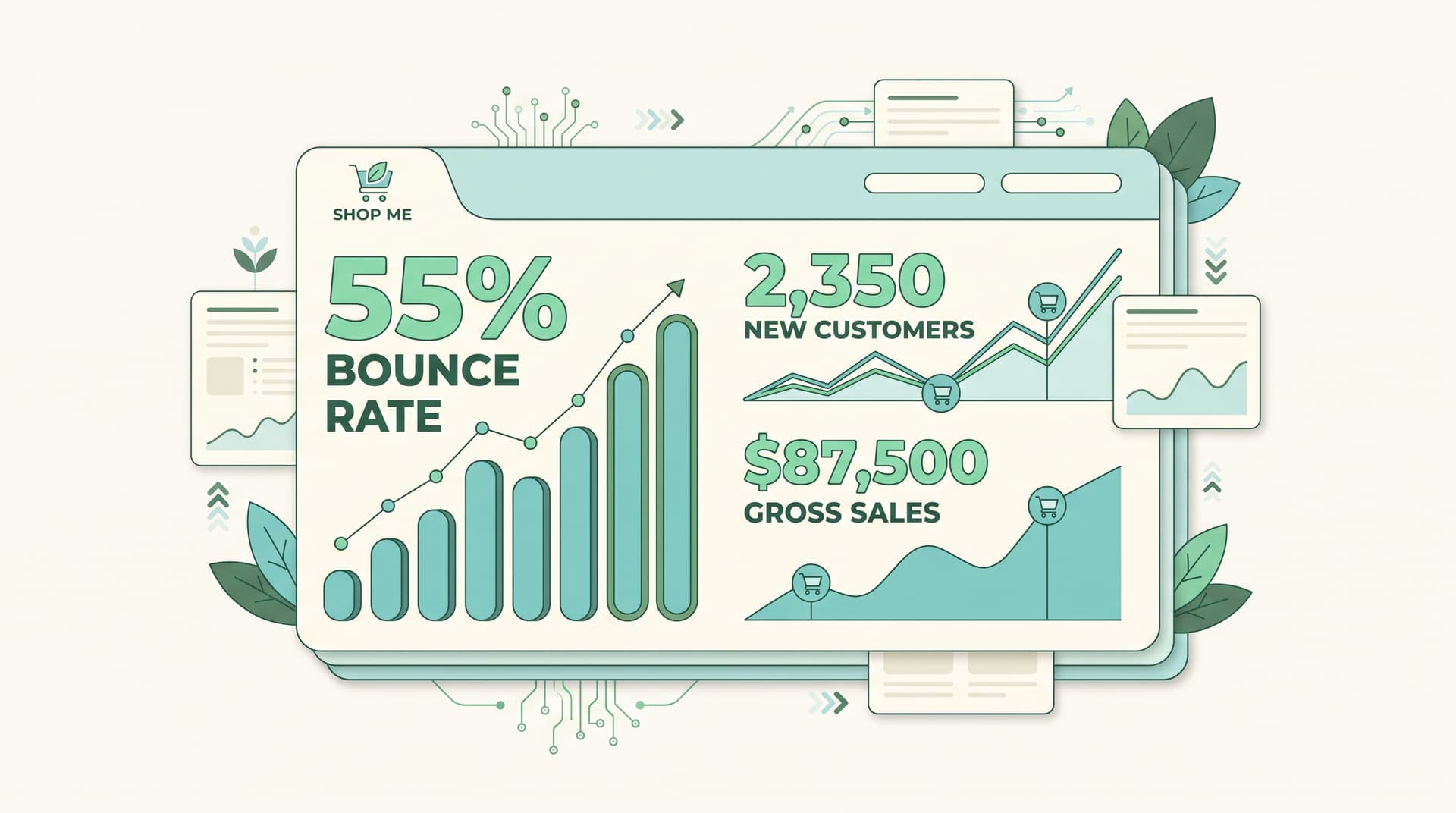
Your Shopify bounce rate shows exactly where visitors lose interest and leave before taking any action. High numbers point straight to friction on product pages, slow loading, or mismatched expectations from ads. Low ones mean your content and offers match what people came looking for.
According to the Salesforce Shopping Index, ecommerce sites see average bounce rates between 40 and 65 percent depending on device.
Why Bounce Rate Matters More Than You Think
Shopify analytics surfaces this number because it reflects real customer behavior, not just traffic volume. A bounce often means the visitor found the page unhelpful or confusing within seconds. Fixing it can lift time on site and eventually conversions without spending more on ads.
Common Causes of High Shopify Bounce Rates
- Slow product images or heavy scripts making pages take over three seconds to load
- Mobile layouts that break or hide the add-to-cart button
- Ad copy that promises one thing while the landing page delivers another
- Missing or unclear product details that leave questions unanswered
According to Google data referenced in multiple 2024 ecommerce reports, mobile bounce rates sit 15 percent higher than desktop on average.
Simple Fixes That Move the Needle
Start with your fastest wins. Compress images, enable Shopify's built-in speed tools, and match ad headlines to the first sentence on the page. Run a quick audit of the last 50 sessions in Shopify analytics and note where most drops happen. Small copy changes and button tests often cut bounce rates 10 to 20 percent.
Turn Insights Into Real Growth
Track bounce rate weekly alongside add-to-cart events. When both improve together you know the changes work. Tools that surface conversation-level insights alongside standard analytics give store owners the full picture.
What does a good Shopify bounce rate look like? Industry benchmarks put a solid range between 40 and 55 percent for most stores. Anything consistently above 65 percent needs immediate attention.
How fast should my Shopify store load? Aim for under 3 seconds on mobile. Every extra second increases bounce probability.
Do product images affect bounce rate? Yes. Large uncompressed images rank among the top three causes Shopify merchants report.
Can I lower bounce rate without redesigning everything? Most gains come from matching messaging, speeding up critical pages, and testing clear CTAs. No full rebuild required.
Where do I see bounce rate in Shopify analytics? Head to Reports > Behavior > All Traffic and filter by device and landing page.
Want AI like this for your store?
The first 25 brands get free beta access + an exclusive lifetime deal.
Start Free Trial