5 Product Discovery Mistakes Costing Shopify Sales
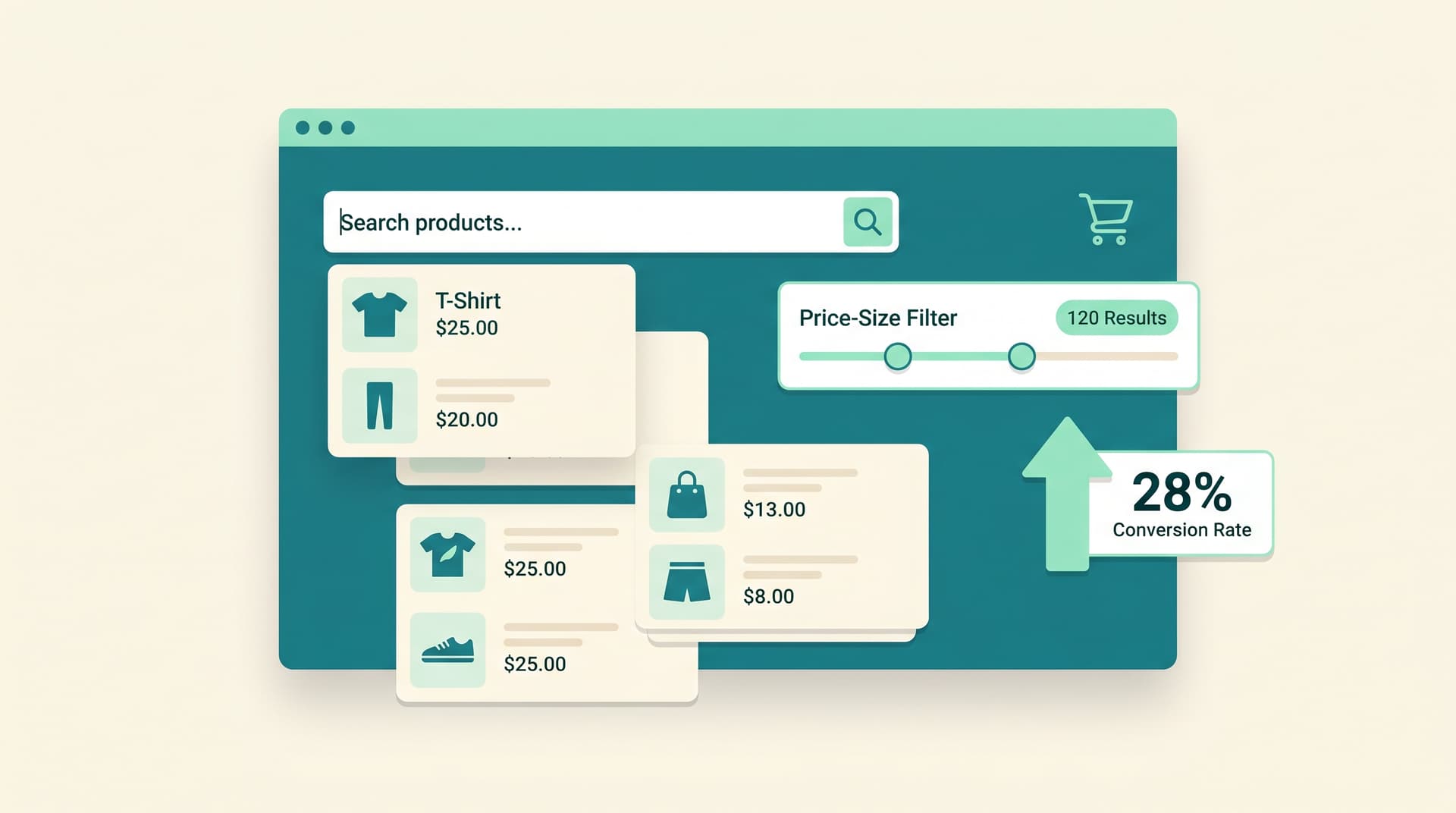
Most Shopify stores lose sales long before checkout because customers simply cannot find the right products fast enough. Poor navigation, weak search, and unhelpful recommendations quietly push browsers away. According to Baymard Institute, the average cart abandonment rate sits at 70.22 percent, and many of those carts never fill because discovery failed early.
Why Product Discovery Breaks Down
Store owners often focus on traffic or checkout tweaks while ignoring how shoppers search and browse. When filters feel useless or recommendations miss the mark, people leave without adding anything.
Mistake 1: Relying Only on Basic Search
A plain search bar returns irrelevant results or nothing at all when shoppers type common words. Many stores never add synonyms, size attributes, or material filters, so customers bounce after one try.
- Add common misspellings and related terms
- Show instant product cards in search dropdowns
- Highlight best matches first instead of newest items
Mistake 2: No Smart Recommendations on Product Pages
Showing random bestsellers next to an item does not help. Customers want similar or complementary products that actually make sense with their choice.
Real stores see higher add-to-cart rates once they switch to intent-based suggestions instead of generic upsells.
Mistake 3: Broken or Overwhelming Filters
Too many filter options or filters that return zero results frustrate people fast. Mobile users especially quit when they have to scroll through fifty color swatches.
Limit visible filters to the five or six that matter most for your catalog. Update counts live so shoppers know what still exists.
Mistake 4: Ignoring Browse Behavior Signals
Stores collect almost no data on what visitors click, how long they pause on images, or which comparisons they make. Without that data, you cannot spot which products feel hidden.
According to Shopify benchmarks, stores that track in-session behavior convert at noticeably higher rates because they surface popular items earlier in the journey.
Mistake 5: Treating Discovery as a Static Feature
Once the navigation menu and search are set up, most owners leave them alone. Catalogs change weekly, yet the discovery layer stays frozen.
Test new sort orders, update trending collections monthly, and watch which categories quietly lose traffic.
Quick Wins You Can Ship This Week
Start with these three changes before overhauling anything else.
- Turn on instant search with product images and prices
- Replace static upsells with products viewed together by real customers
- Reduce mobile filter options to price, size, and color
Fixing even two of these areas usually moves the needle on add-to-cart rates without any ad spend.
Frequently Asked Questions
How do I know which discovery mistakes hurt my store the most? Check your internal site search reports for zero-result terms and look at exit pages that have low time on site.
Does better product discovery really affect cart abandonment? Yes. Baymard Institute data shows 70.22 percent average abandonment, and many cases trace back to shoppers failing to locate suitable items early.
Should I add a Shopping Pal for product help? Only if it shows exact matching products and adds them to cart without extra clicks. Generic bots add friction.
How often should I update filters and recommendations? Review top search terms and under-performing categories every two weeks and adjust displays accordingly.
What simple tool improves discovery without custom code? Install a Shopping Pal that learns from actual conversation data and surfaces the right products automatically.
Ready to stop losing sales to hidden products? Try Shop Me Free →
Want AI like this for your store?
The first 25 brands get free beta access + an exclusive lifetime deal.
Start Free Trial