One Tweak That Can Lift Your Shopify CVR by 20%
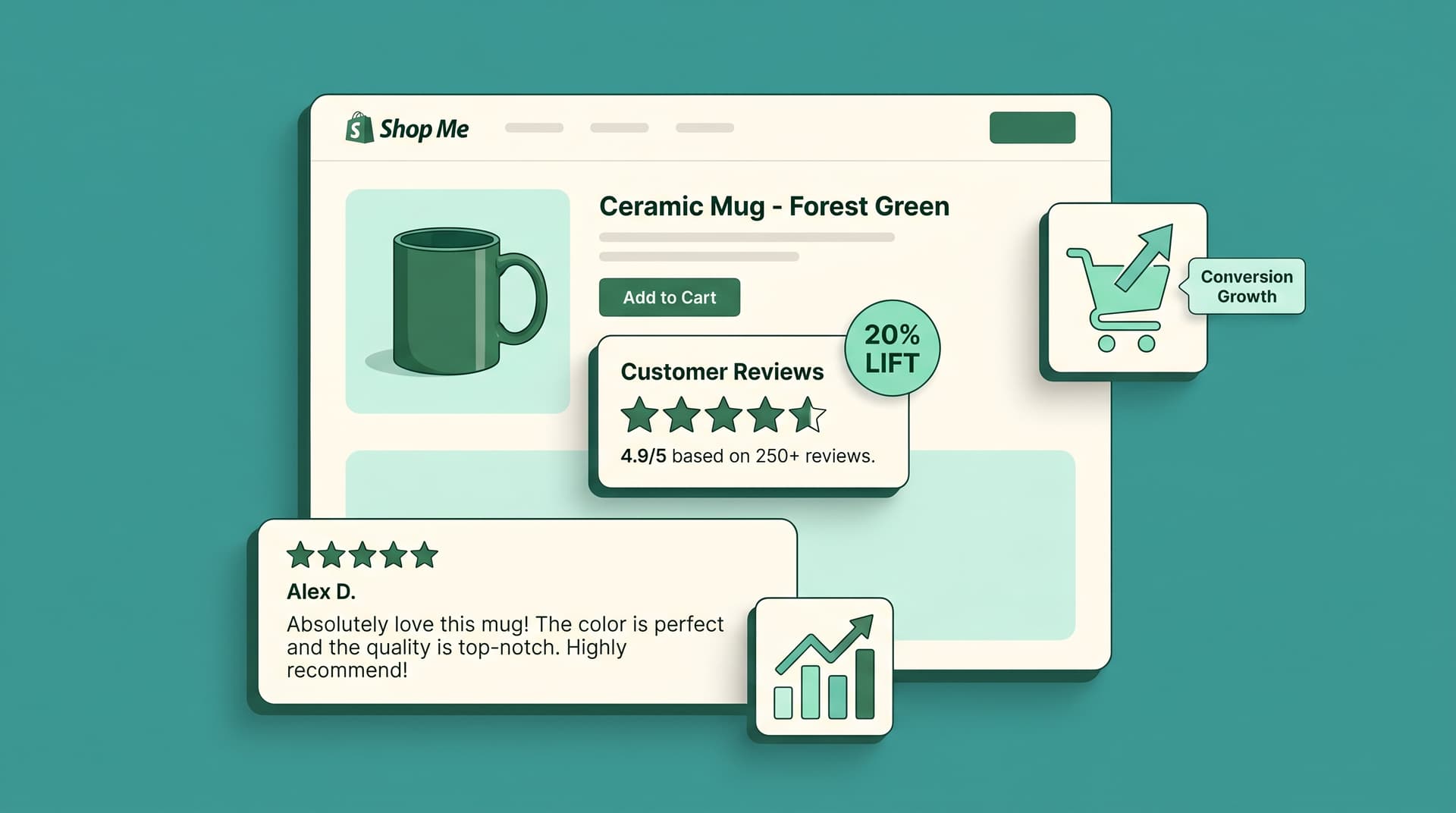
Many Shopify merchants watch visitors browse product pages yet fail to add anything to cart. The single change that often shifts this outcome is placing customer reviews directly on the product page.
According to Baymard Institute research, showing reviews on product pages increases add-to-cart rates by 15 to 20 percent. That lift flows straight into higher conversion rates because more visitors move from interest to action without extra steps.
Why Reviews Move the Needle
Shoppers want proof before they buy. When reviews sit front and center they answer common objections in the shopper's own words. A product with even one review converts 52 percent better than the same page with none, according to Spiegel Research Center data.
The effect grows with volume. Ten or more reviews push the lift higher still. What matters most is visibility right where the decision happens.
How to Add This Tweak Today
- Pull your best reviews into the main product template above the fold.
- Keep star ratings large and the total count visible.
- Show 3 to 5 recent reviews with photos if you have them.
- Add a short summary line like "4.7 from 142 reviews" next to the price.
Test the layout on both desktop and mobile. Mobile traffic makes up most Shopify visits, so the reviews block must stay readable without forcing extra scrolls.
Sound familiar? You already collect reviews but bury them in a tab or separate section. Moving them changes behavior faster than redesigning the whole page.
Track the Real Impact
Watch your add-to-cart rate for the test product before and after the move. Shopify analytics gives you the numbers in a few clicks. Pair that with time-on-page to confirm visitors actually read the social proof.
Other small signals matter too. According to recent Shopify reports, pages with visible reviews also see lower bounce rates because trust builds quicker.
What if you only have a handful of reviews right now? Start with the ones you have and encourage more with a simple post-purchase prompt. Quality beats quantity early on.
Common Mistakes to Avoid
- Do not hide reviews below the fold.
- Skip fake or perfect 5.0-only displays; shoppers sense when ratings feel off.
- Keep the review text short and scannable so people absorb it fast.
These tweaks keep the page clean while delivering the lift you want.
Next Steps for Your Store
Pick one product that already has reviews and apply the change this week. Measure for seven days, then expand to your top sellers. Small consistent improvements add up fast when traffic is steady.
Frequently Asked Questions
How fast will I see results from adding reviews? Most stores notice shifts in add-to-cart rate within the first week once the reviews load visibly.
What if my store has few reviews? Display every genuine review you have and let the count grow naturally; even one review beats none.
Does this work on mobile product pages too? Yes. Mobile conversion rises when reviews remain easy to read without extra taps.
Should I use review apps or native Shopify options? Either works as long as the reviews appear above the add-to-cart button on the live page.
Can reviews hurt if some ratings are low? Honest ratings build more trust than perfect scores; shoppers expect some variation.
Want AI like this for your store?
The first 25 brands get free beta access + an exclusive lifetime deal.
Start Free Trial