How Growth Experts Read Their Shopify Dashboard
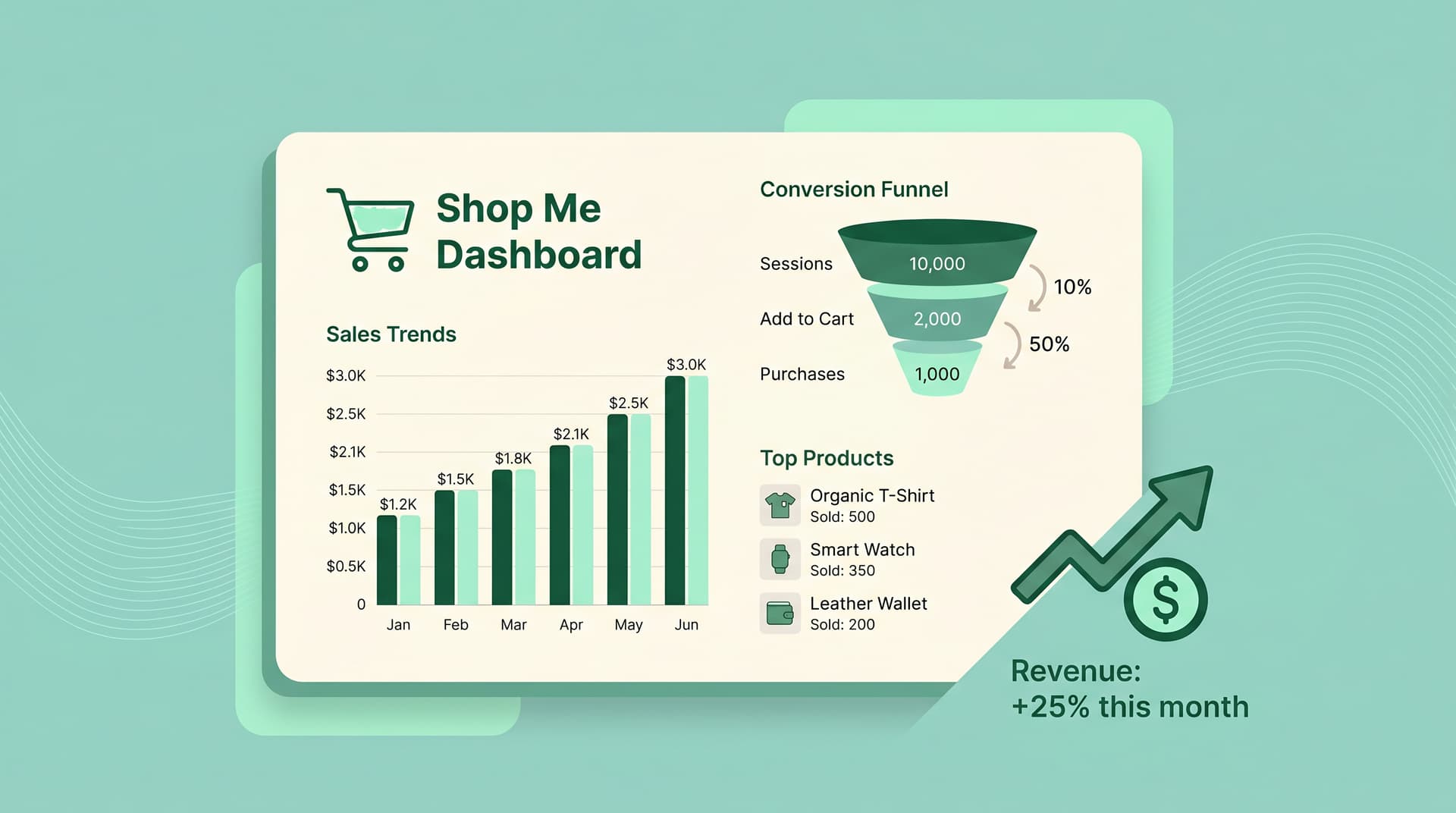
Most store owners check total sales and stop there. Growth experts treat their Shopify dashboard like a map that shows exactly where money is leaking.
Start with the big three numbers at the top: total sales, orders, and average order value. Compare them week over week instead of month over month for faster signals.
First 30 Seconds: Spot the Leaks
Open the dashboard and look at conversion rate first. According to Statista and Adobe Digital Insights, most Shopify stores sit between 2.0% and 3.5%. If yours is below 2%, focus on traffic quality before chasing more visitors.
Next, check sessions versus returning customers. A drop in returning visitors often means your email or retargeting flows are not working.
The Metrics Growth Experts Actually Track
- Abandoned checkout rate (According to Baymard Institute, average is 70.19%)
- Top traffic sources broken down by conversion rate
- Products viewed but never added to cart
- Average time to purchase
These four numbers tell you more than any revenue total.
Turn Dashboard Numbers Into Actions
When abandoned carts spike, check the device split. Mobile abandonment over 75% usually points to slow loading or poor checkout buttons.
If top products show low views but high add-to-cart, your search or navigation needs work. Small fixes here often lift overall store conversion by 0.8-1.2 points.
Weekly Review Routine That Works
Monday: Check last 7 days conversion and top traffic sources. Wednesday: Review abandoned cart % and top dropped products. Friday: Compare returning customer rate and average order value.
Do this for two weeks and patterns jump out fast.
Common Dashboard Blind Spots
Many owners ignore the “sessions by device” report. Desktop converts better, but mobile drives volume. Balance both or you leave money on the table.
Also watch the “customers by location” chart. One city suddenly buying more can reveal an untapped ad audience.
How Real Stores Use These Insights
A store selling kitchen tools noticed 68% of mobile visitors left after seeing price. They added one-click upsells on product pages and lifted mobile conversion by 1.4%.
Another store found most repeat buyers came from one email segment. They doubled down and grew monthly revenue 22% without new traffic.
Frequently Asked Questions
What Shopify dashboard metrics should I check daily? Focus on conversion rate, abandoned checkout percentage, and average order value. These move fastest and show problems early.
How often should I review my Shopify analytics? Run a quick 5-minute check three times a week. Save deeper dives for Monday planning sessions.
Why is my Shopify conversion rate lower than average? Check traffic sources first. Paid ads bring browsers while email and search bring buyers. Low conversion usually means mismatched audience.
Can I improve sales without adding more traffic? Yes. Raising average order value and lowering cart abandonment often adds more revenue than extra visitors.
Where do I find customer behavior insights in Shopify? Use the Reports section and filter by “Behavior” and “Customers”. Look at products viewed, time on site, and repeat purchase rate.
Want AI like this for your store?
The first 25 brands get free beta access + an exclusive lifetime deal.
Start Free Trial