Why AI Product Recommendations Convert Better on Shopify
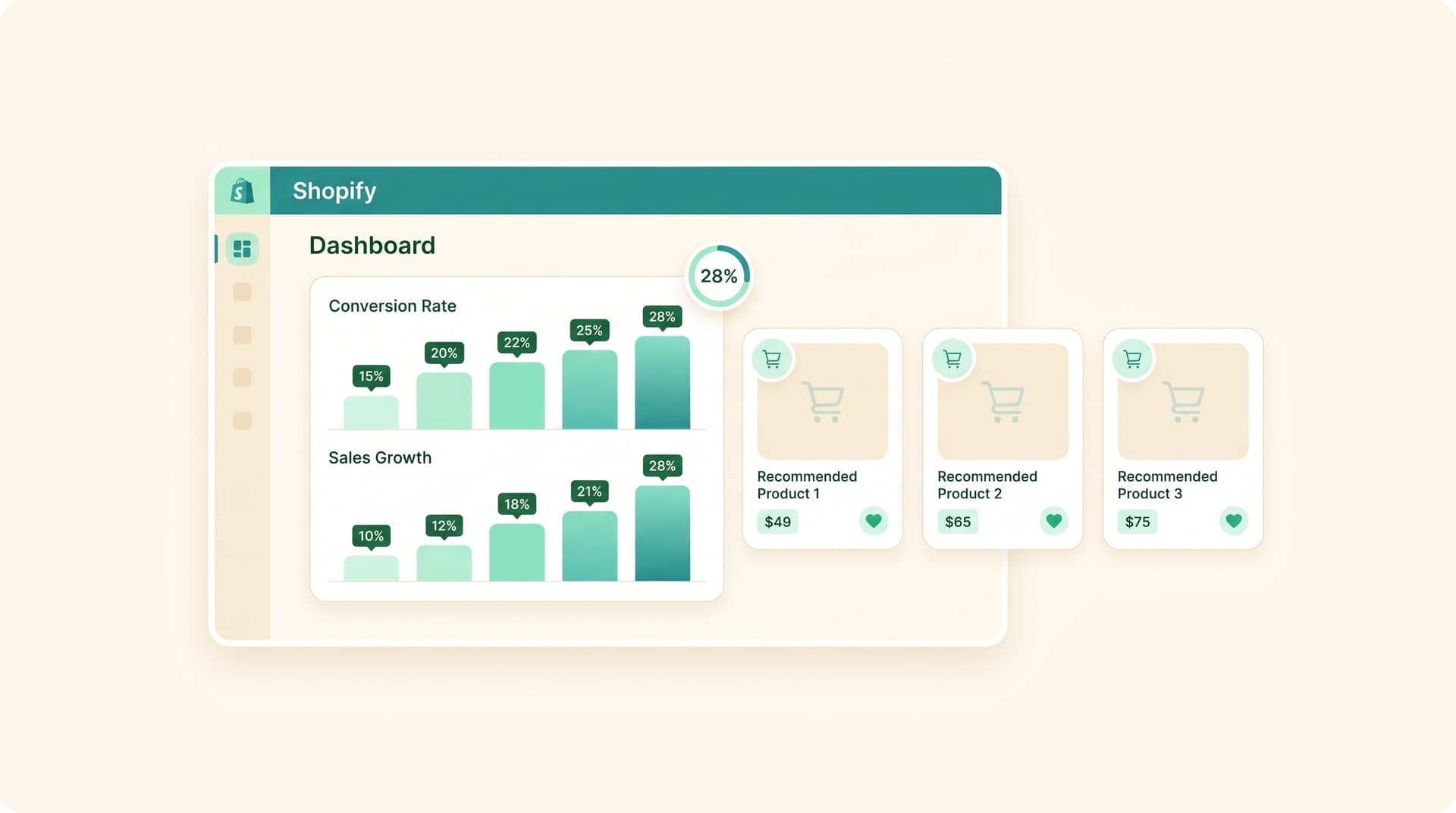
Shopify store owners lose sales when product suggestions feel random. AI product recommendations fix this by matching items to real customer behavior, and stores see strong lifts as a result.
AI product recommendations on Shopify analyze browsing history, past purchases, cart adds, and even time on page to show each shopper the right products at the right moment. This personalization replaces generic bestseller lists with dynamic suggestions that feel handpicked.
According to Salesforce State of Commerce, 68% of shoppers now use AI assistants for product research, which makes accurate suggestions critical for conversion. According to Baymard Institute, listings with AI-structured product data convert 3.2x higher than those without. According to early 2026 data, stores optimized for AI recommendations see 28% higher conversion rates from targeted traffic.
How AI Product Recommendations Actually Work
Shopify's AI tools pull from multiple signals at once.
- Real-time browsing paths tell the system what category a shopper explored first.
- Purchase history shows repeat patterns and price points.
- Cart and wishlist data reveal intent that search alone misses.
The model then ranks products by predicted fit instead of static rules. When a visitor lands on a product page, the system instantly surfaces three to five follow-up items that match their profile.
Why These Suggestions Beat Manual Recommendations
Manual curation takes hours and stays the same for every visitor. AI updates every session and every click. Shoppers stop scrolling past irrelevant rows because the items feel relevant.
Sound familiar? You update your featured products once a month, yet bounce rates on collection pages stay high. AI changes the display for each person without extra work.
Simple Ways to Add AI Suggestions Today
- Enable Shopify's built-in product recommendations block on product and cart pages.
- Install a lightweight AI app that pulls from your store's existing data instead of requiring new tags.
- Test placement: recommendations under the add-to-cart button often outperform sidebar widgets.
- Track which suggestion blocks drive the most add-to-cart events inside your dashboard.
Stores that run these tests report faster wins than broad redesigns.
Common Mistakes That Kill Performance
Showing the same suggestions to everyone, including first-time visitors. Ignoring mobile placement where most Shopify traffic lands. Overloading pages with too many recommendation rows, which slows load times and increases bounce.
Fix one issue at a time and measure the lift before moving to the next.
Frequently Asked Questions
How fast do AI recommendations start working? They begin showing results within hours once the app or theme block has access to your order and browsing data.
Do I need product tags or attributes for AI to work well? Basic setup works with purchase data alone, but adding attributes like color, size, and material improves accuracy quickly.
Will recommendations replace my manual curation completely? No. Most owners keep hero banners and seasonal collections under manual control while letting AI handle cross-sell rows.
What conversion lift should I expect on a typical store? Early adopters report 15-28% gains once suggestions appear on product and cart pages consistently.
Want AI like this for your store?
The first 25 brands get free beta access + an exclusive lifetime deal.
Start Free Trial